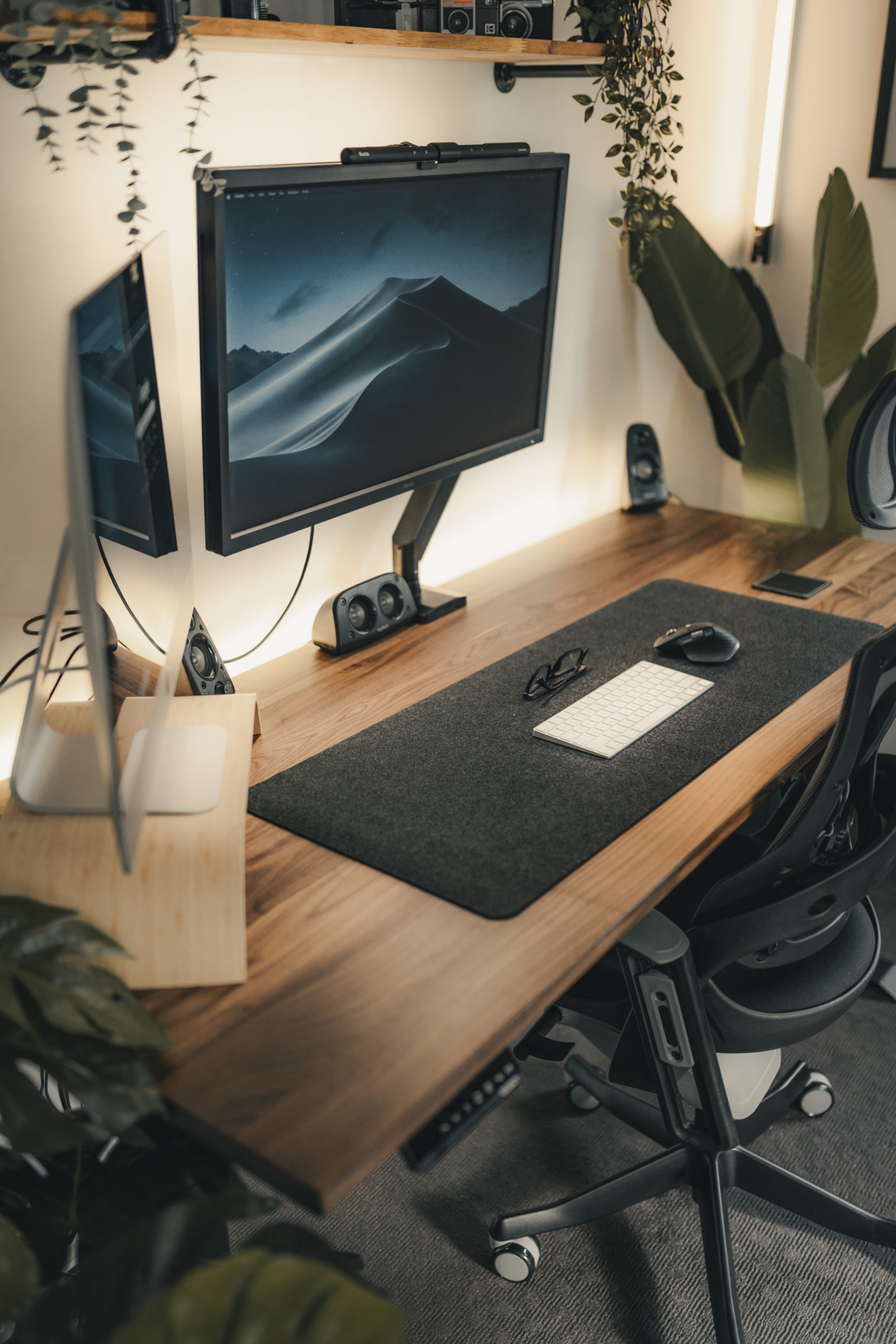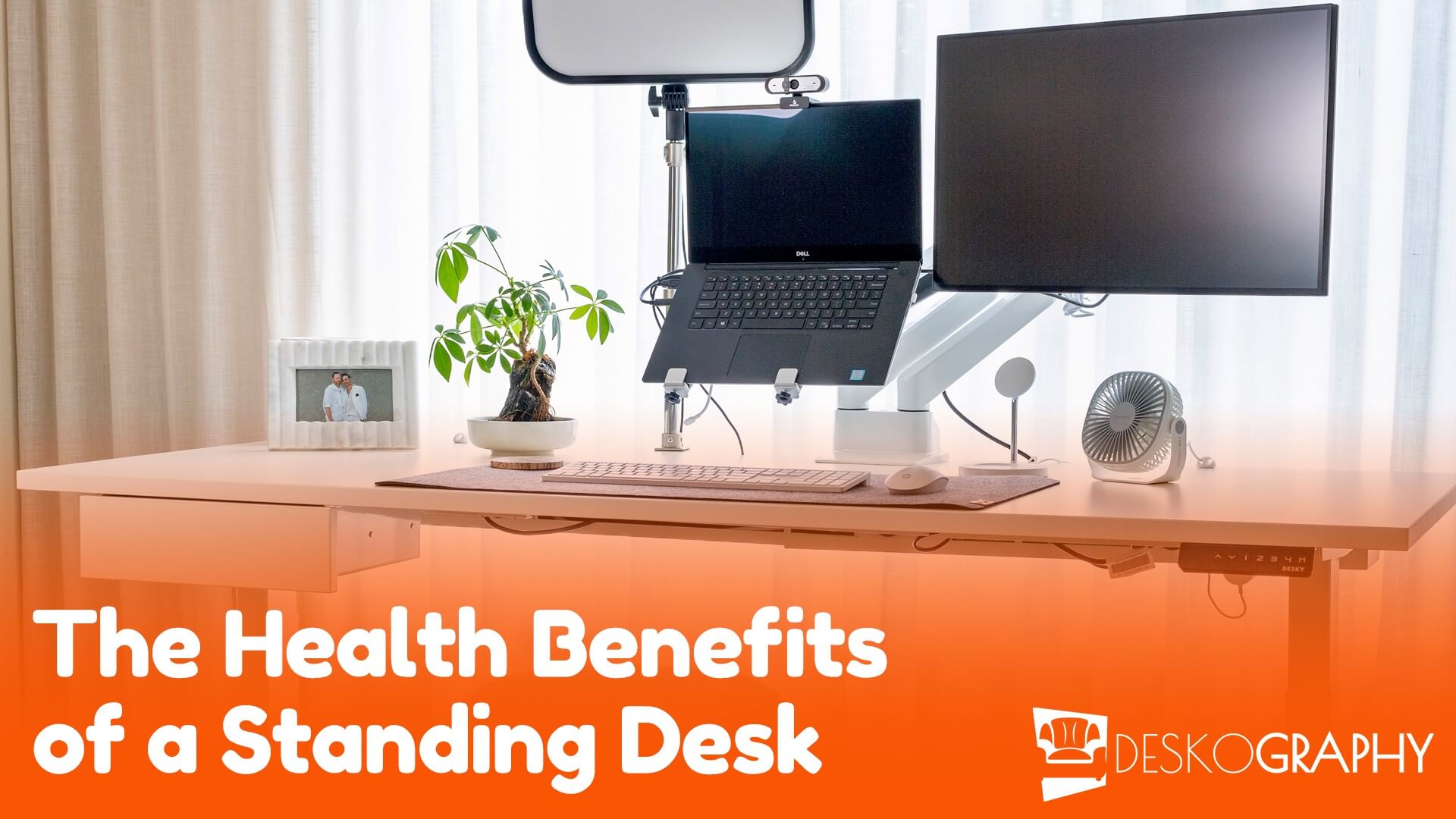
This is the desk I sit at every day in my room.
It's the primary home office space I currently use.
3 computers total, the 2 Samsung monitors are driven by the laptops below them, and the smaller one is connected to my old desktop down in the cabinet.
Xander N/A 18 Nov, 2009
Hmmm... I've been having trouble finding a netbook that will play a 720p video file, especially when it's in a matroska (.mkv) container, and is using an h.264 codec.
(I watch a lot of anime... and I rip all my videos into .mkv's. Also, fansubs that I download of the stuff that's just come out in Japan are always 720p h.264... and none of the netbooks at Best Buy that I've tested will run it.)
Xander N/A 18 Nov, 2009
What type of laptop is that? I'm pretty sure it's a Sony, but I can't see the logo.
Also, is that laptop hooked to that screen there next to it or is it hooked to a separate system?
Xander N/A 18 Nov, 2009
I'd definitely recommend the switch over to Windows 7.
Some of my friends have switched and reported positive experiences compared to Vista.
I'd also recommend looking into some monitor mounts. If you get those monitors up off the desk you can push the laptop back so it won't fall lol, and you'll have space for papers or whatever else. (Like food.)
Dan (mvkVirtual) 16 Nov, 2009
Thanks :)
Dan (mvkVirtual) 16 Nov, 2009
Where did you get the chair? Looks very comfy!
Dean Lawson 15 Nov, 2009
wow the desk is horrible..is that tape around the edge....
Reza Tehranian 02 Feb, 2011
Hey Xander, It is connected to Resonator II from Zelman. At that time it was on the back of my monitor, now my room doesn't look anything like that. The case is now on the floor.
Ben Gun 02 Feb, 2011
I'm totally jeallin'
How bout a pic with your most used workflow of apps up on the screens.
I'm interested to see what utilizations you have settled into.
David L 20 Dec, 2010
Hi folks, thanks a lot for the warm comments!
Let me give you a few answers regarding my old desktop setup, before I post my new arrangement in a couple of days/weeks:
- the lamp (in the front) is from a christmas market somewhere in Germany. Don't know where to find these on stock but watch out for an "african market" anywhere near you, and you'll most definitely find similar ones.
- the legs: are pretty good working easels, each side (front and back) separately adjustable in height. I found them in a Germany hardware store (OBI). They're manufactured by a certain German workshop but I can't remember the name, sorry.
- the "add 2 monitors to 1 MacBook" thing:
1 screen is connected to the Mac mini (MM)
1 screen is connected to the MacBook Pro (MBP).
MM and MBP are connect via LAN.
From here, "Screenrecycler" is your best friend.
Through "Screenrecycler" the Mac mini can "share"/give/hand-over it's screen to the MacBook Pro to use it as if it was connected directly. It also appears in the system preferences as a 3rd screen, completely configurable.
Nowadays the Mac mini has 2 outgoing display connections, being one of it's key features to me. But still this is the best(/only?) option to have 2 additional monitors on a MacBook which has then the screen real estate of 3 freakin' screens (if you count it's own one).
You can't really watch movies fluently on the one that's connected via LAN+Screenrecycler, but for office/twitter/coding-stuff it's been pretty awesome, as long as it lasted.
In January we're moving out, but in the meantime there's changed quite a lot inside here. I'll post an update of the current setup and also the new one, around mid/end of January. Definitely stay tuned for this update! There's so much more "geekery" to see, folks! ;)
Further questions anyone?